

Quick start: your first measurement
The end-to-end happy path: create an experiment on the web, take one MultispeQ measurement on the mobile app, and see it appear in your data.
This is the shortest path from a brand-new account to your first measurement. You create an experiment on the web, take a measurement in the field with the mobile app, and watch it show up in your data.
You can expect it to take around ten minutes.
Before you start
You will need:
- An openJII account (see Create your account).
- An Android phone (Android 7.0 or newer, at least 2 GB of RAM).
- A MultispeQ handheld device.
Step by step
Create an experiment
On the web platform, open Experiments and select Create Experiment. Give it a Name, and add a short Description if you like.
The workbook is optional for creating the experiment shell. In the observed dev account, the picker offered only None. Step through the wizard and select Create Experiment.
An experiment created with Workbook: None is not ready for protocol-guided measurement. Before continuing on mobile, an admin must attach a suitable workbook containing the intended protocol. If the workbook picker is empty, ask the workbook owner or platform team to make the correct published workbook available to your account.
Install the mobile app and sign in
On your Android phone, install the openJII app from the Google Play Store. Open it and sign in with the same account you use on the web.
Connect your MultispeQ
Turn on your MultispeQ and connect it to the app over Bluetooth.
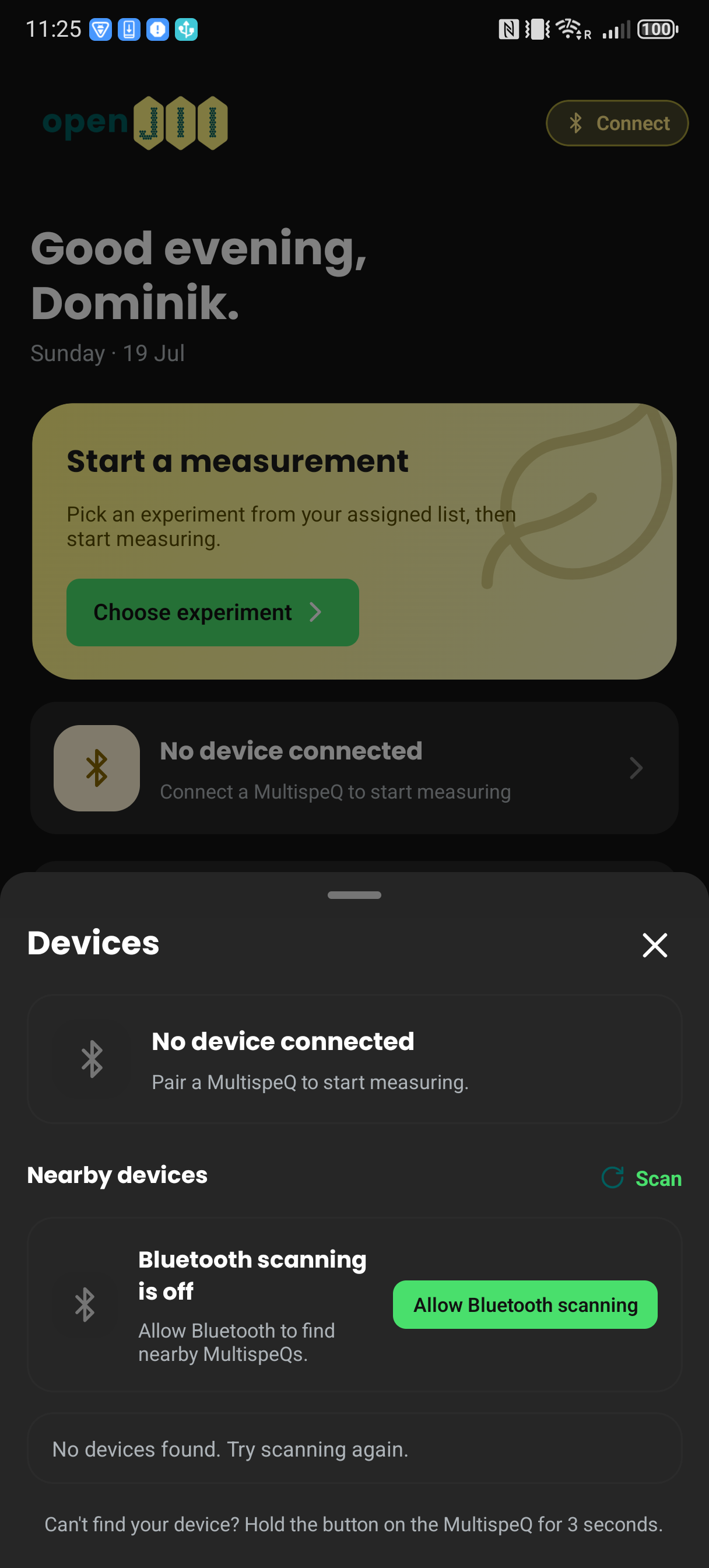
The current app opens a Devices sheet with Scan and an Allow Bluetooth scanning action. With no device connected it also prompts you to hold the MultispeQ button for three seconds.
Take a measurement
Pick your experiment from the list, then follow the on-screen steps. The app guides you through the protocol, answering any questions and taking the reading. When it finishes, you see a preview of the result.
Sync and view your data
Upload the measurement from the app. If you are offline, the app stores it and syncs automatically once you are back online.
Back on the web platform, open your experiment and go to the Data tab. Your measurement appears there.
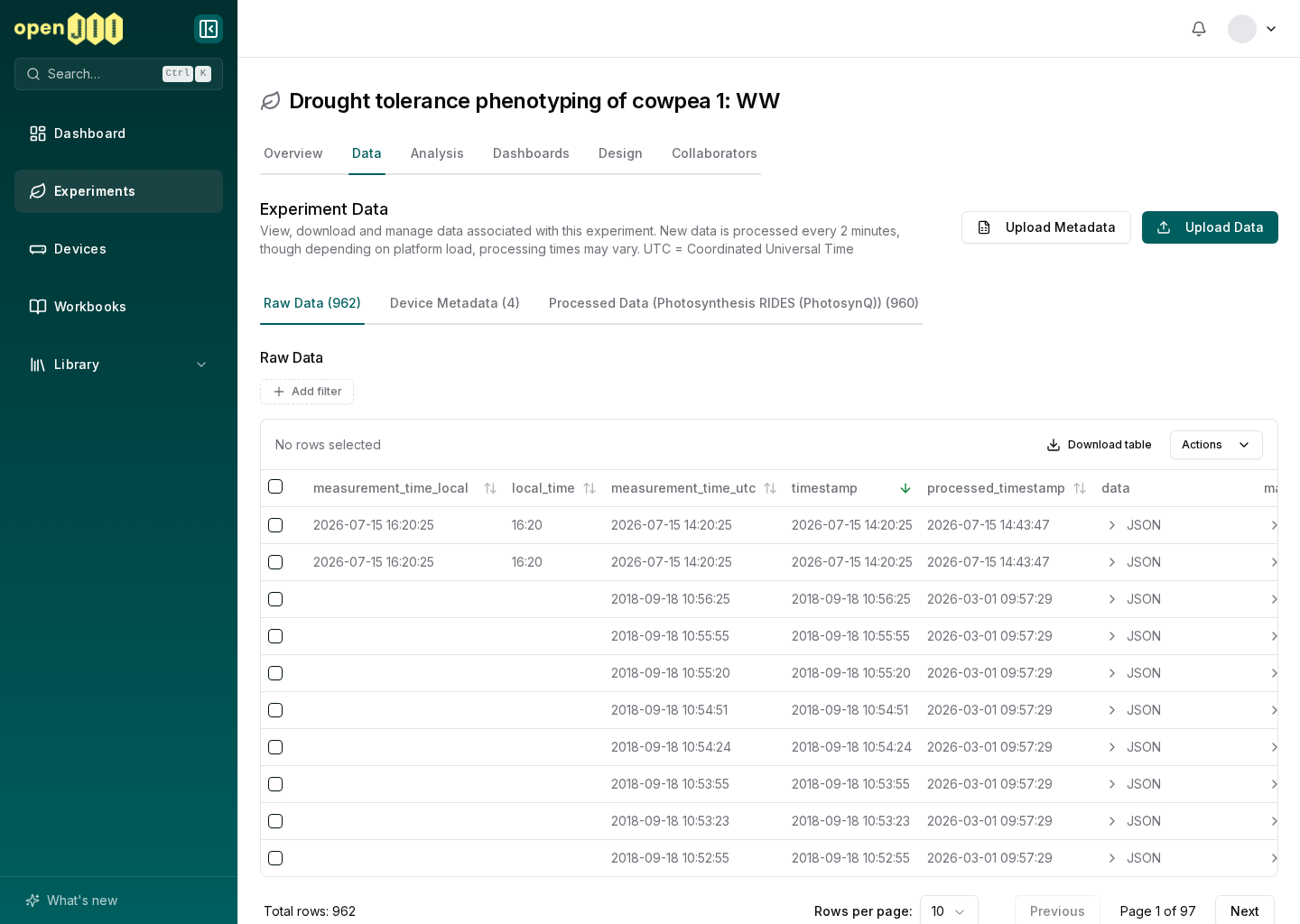
The mobile app is offline-first: after you sign in, your experiments are cached so you can measure with no connectivity and sync later.
Where to go next
- Add context to your data with metadata.
- Learn more about devices and protocols.
- Invite collaborators to your experiment.
- View and export your data.