

Organizations
Shared workspaces for a lab or group: what they own, the three roles, and how they differ from your personal workspace.
Everything you create in openJII is owned by exactly one workspace. By default that is your personal workspace — yours alone, and nobody else can be added to it.
An organization is the shared alternative: a lab, a group, or a project team that owns work collectively, so it survives people joining and leaving.
Why make one
- The work outlives the person. A resource owned by your personal workspace is reachable only by you and whoever you shared it with individually. A resource owned by a lab is reachable by the lab.
- Access stops being a checklist. New colleagues get access by joining the organization, not by being added to twenty experiments one at a time.
- Somebody is always answerable. Every organization must keep at least one Owner, which is what stops work being stranded when someone leaves.
Your personal workspace is not an organization and never appears in the organization directory, search results, or any invite flow. It cannot be renamed away, shared, or deleted.
Where to find them
Organizations in the sidebar opens one searchable directory. Organizations you own or belong to are ranked first, followed by public organizations you can discover. Each row shows how many people and resources it holds:
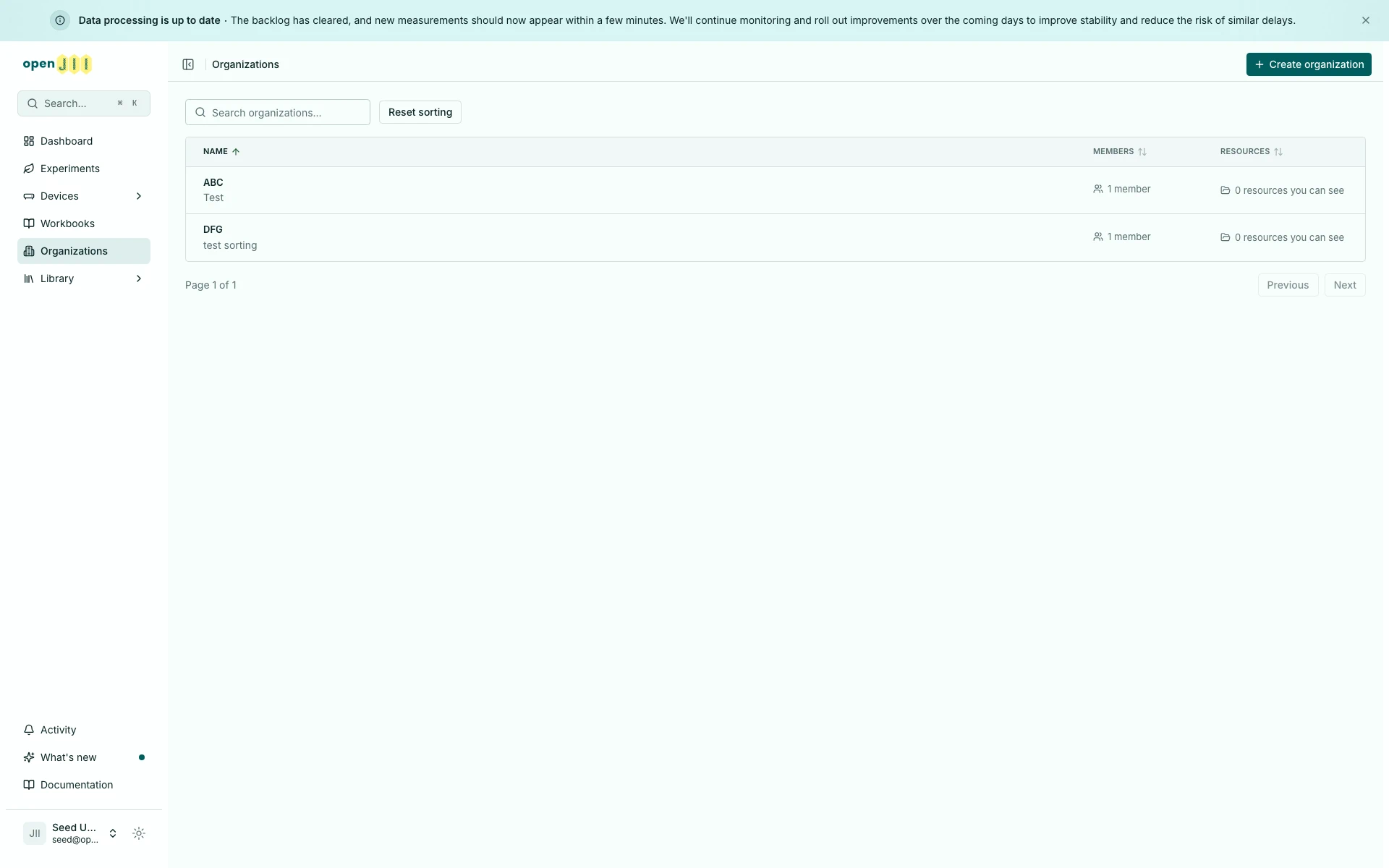
Select Name, Members, or Resources to sort the directory. Click once for ascending order, again for descending order, and a third time to clear that column. Hold Shift to add a second sort. The selected order stays in the URL, so a refresh or shared link keeps it. Reset sorting clears the selection and returns to the default directory order.
In a phone-width browser window the list shows only the Name column, so Name is the only heading you can select there; the other columns appear as the window widens. A sort chosen in a wider window, or carried in a shared link, still applies while its column is hidden.
The three roles
| Role | What it means |
|---|---|
| Owner | Full control of everything the organization owns, plus the organization itself — its settings, its deletion, and making someone else an Owner |
| Admin | Full control of everything the organization owns, and manages people. Cannot change the organization's own settings or delete it |
| Member | Reads everything the organization owns. On experiments, Members can also contribute measurements and annotations |
The person who creates an organization is its first Owner.
Member is not a read-only role on experiments. Belonging to the lab is what makes someone a contributor — see Who can access your work?.