

Working offline & syncing
Cache field flows, save readings locally, and recover failed uploads.
openJII saves an accepted mobile measurement to local SQLite before attempting a cloud upload. Loss of connectivity therefore does not have to stop data collection, provided the experiment flow was cached first.
Before going offline
- Sign in while online; a first login cannot be completed offline.
- Let the app cache your experiments and their pinned workbook versions.
- Choose each field experiment and confirm Offline ready.
- Run one complete test flow with the intended device.
An experiment without an attached workbook version cannot become offline ready. New experiments and workbook updates need a later online refresh.
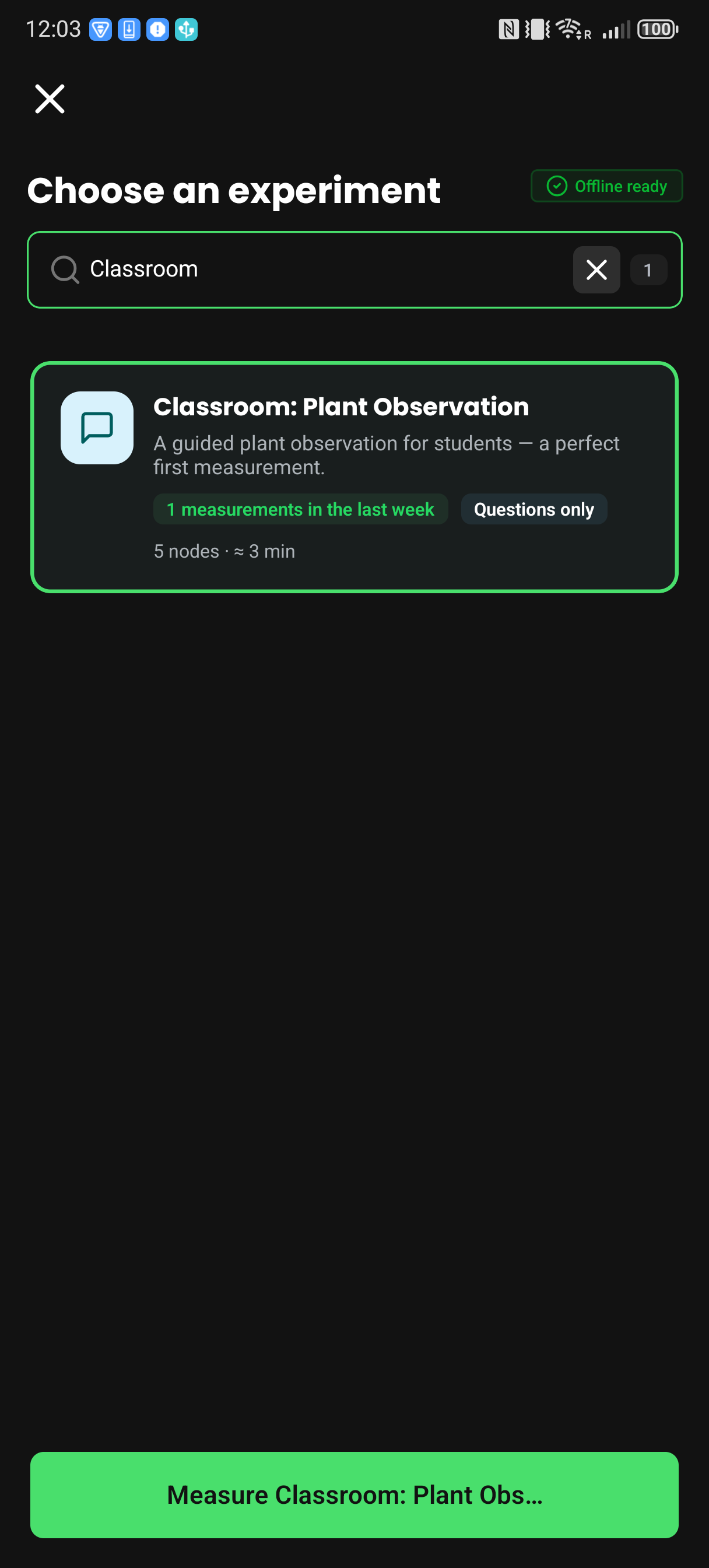
The badge applies to the selected cached flow. It does not mean a new or changed workbook has already been refreshed.
A paused flow resumes where you left off, including offline. In the rare case that the app no longer holds the workbook code for that flow, it shows Can't resume this flow instead of its steps; choose Exit flow to pause or discard it and start a new one.
The phone downloads the Python runtime from the internet. If that runtime has not loaded before the connection drops, the result step says the macro needs an internet connection instead of showing its output. You can still accept the reading. The platform runs the macro once the measurement uploads, and its output appears on the web platform. JavaScript macros run on the phone without a connection.
What happens to a saved reading
On Recent, a cloud icon at each reading shows where it stands:
| Icon | Meaning |
|---|---|
| Blue cloud with an arrow | Saved on the phone and waiting to upload, or uploading now. |
| Green cloud with a check | Synced in the app: for a reading up to 128 KiB, the message broker acknowledged receipt; for a larger one, the platform's file store confirmed the upload. Neither confirms that the reading has finished processing. |
| Red cloud with an alert | The upload failed. A red line under the reading says why. The reading stays on the phone. |
The Synced and Unsynced filters split the list along the same line; a reading waiting to upload and a failed one both count as unsynced. While uploads run, a blue number on the upload button in the header counts them.
A green cloud for a reading up to 128 KiB confirms broker receipt, not that the platform has retained it. Delivery to storage can still fail after acknowledgement. Keep the local reading until you have exported it or confirmed that it is available on the web platform.
Uploads pause while the phone is offline. Each reading is acknowledged on its own, including readings from a multi-device round. When an upload hits a problem that may pass, such as a dropped connection, the app tries it again up to three times, about 1, 4 and 15 seconds apart, before marking the reading failed. A problem that trying again cannot fix, such as an expired session, marks it failed at once.
A failed reading is not given up on. The app tries every unsynced reading again, failed ones included, when it starts, when the connection returns, and when you bring it back to the foreground.
Why an upload failed
| Red line under the reading | What it means | What to do |
|---|---|---|
| Could not reach the server. Swipe to try again. | The phone could not get the reading to the platform before giving up. | Wait for a connection, or swipe the reading and select Upload. |
| Your session expired. Sign in again to upload. | The upload could not be authenticated as you. | Sign in again, then upload the reading. |
| You can no longer upload to this experiment. | You no longer have access to the experiment, or it no longer exists. | Keep the reading. If the experiment still exists, ask someone who manages it to restore your access. If it was deleted, export the reading and get in touch. |
| The server would not accept this measurement. | The platform refused the reading itself. | Keep the reading, export it as below, and get in touch. |
| Upload failed. Swipe to try again. | Something else went wrong. | Swipe the reading and select Upload. |
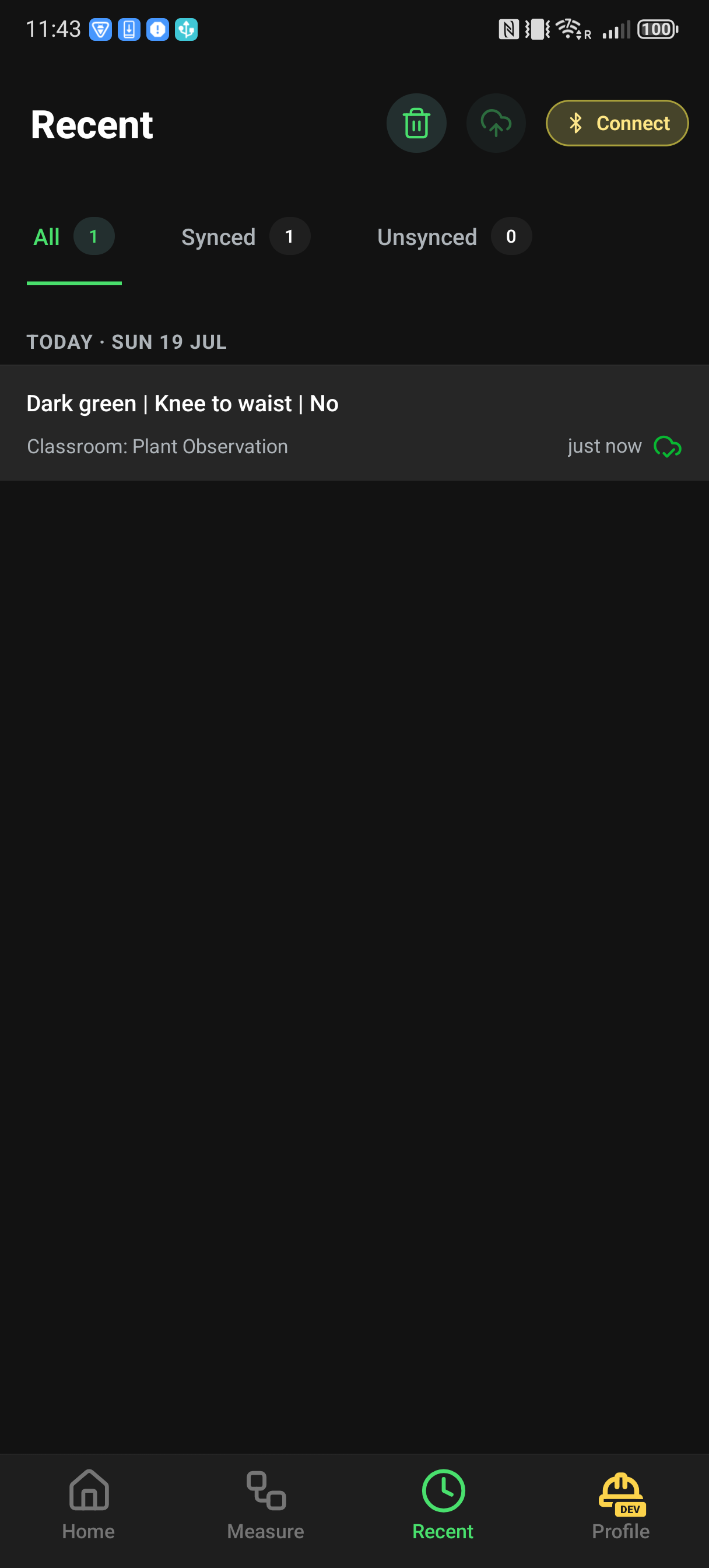
Recover safely
Open Recent and filter to Unsynced. Swipe a reading and select Upload to send that one; the action is hidden while the phone is offline. The upload button in the header sends every unsynced reading after you confirm Upload All; it is unavailable while uploads are already running. Do not delete a local reading until you have exported it or confirmed that it is available on the web platform. A green cloud alone is not enough.
The mobile Export measurements action creates JSON, but the current implementation selects failed and synced rows rather than every in-flight queued row. Check that the exported JSON contains the readings you need before deleting them. Dataset exports from the web platform use the formats described in Exporting data.