

Taking measurements in the field
Follow an experiment workbook from selection through accepted result.
The app runs the pinned workbook version attached to an experiment. That workbook determines which instructions, questions, protocols, branches, and analysis steps appear.
Take a reading
- Open the measurement flow and choose an experiment. The app labels flows as device required, questions only, or device plus questions. If no experiments are listed, you are not in one yet: see Join an experiment from the app.
- If a device is required, open Devices and connect your measurement device.
- Select Start measurement (or the named measurement action).
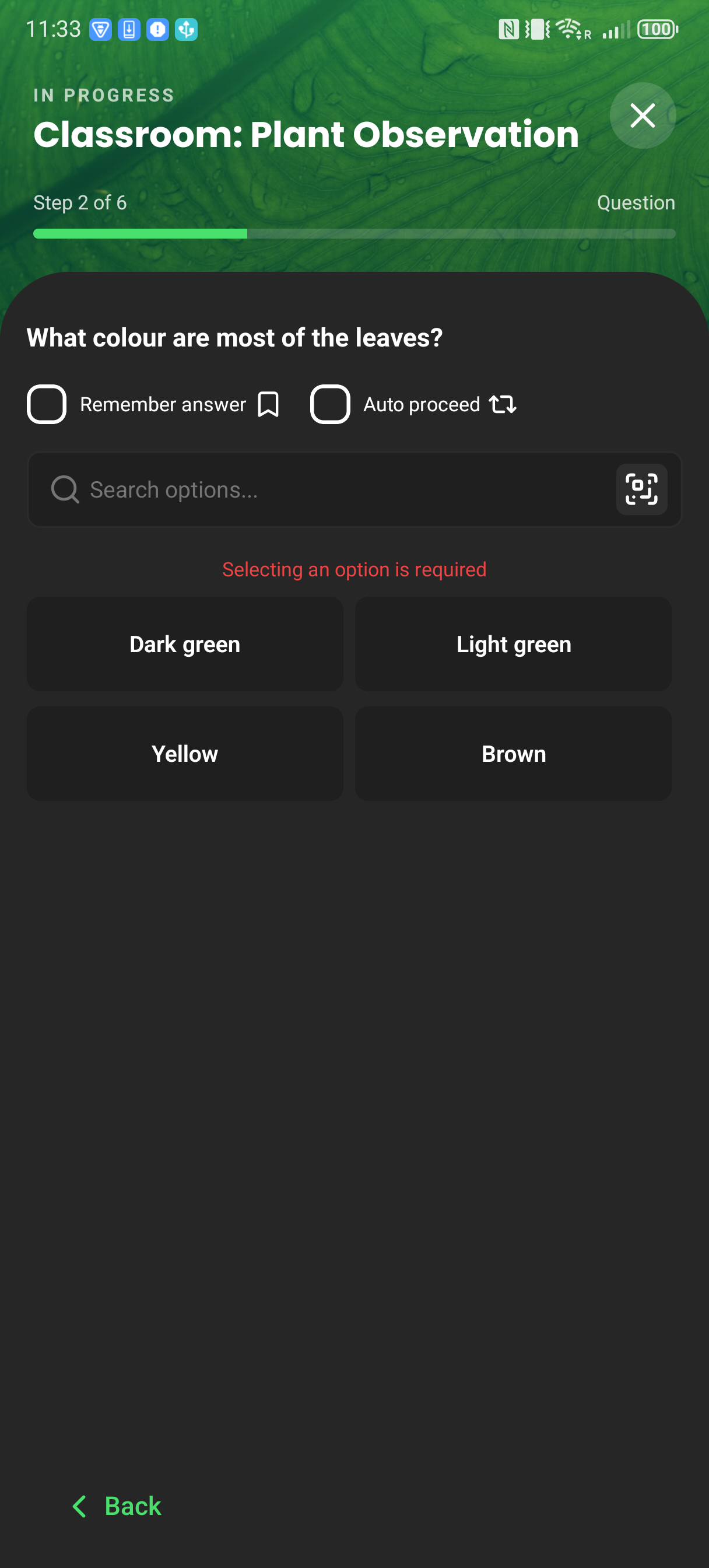
- Follow the workbook in order. Answer required questions and act on any field instructions.
- At a measurement step, select Start measurement and follow prompts from the device. Some protocols pause for clamp interaction.
- Review the result and any macro output. Select Accept data to save it, or Discard & retry to measure again.
- Check Recent for the saved reading and its sync state.
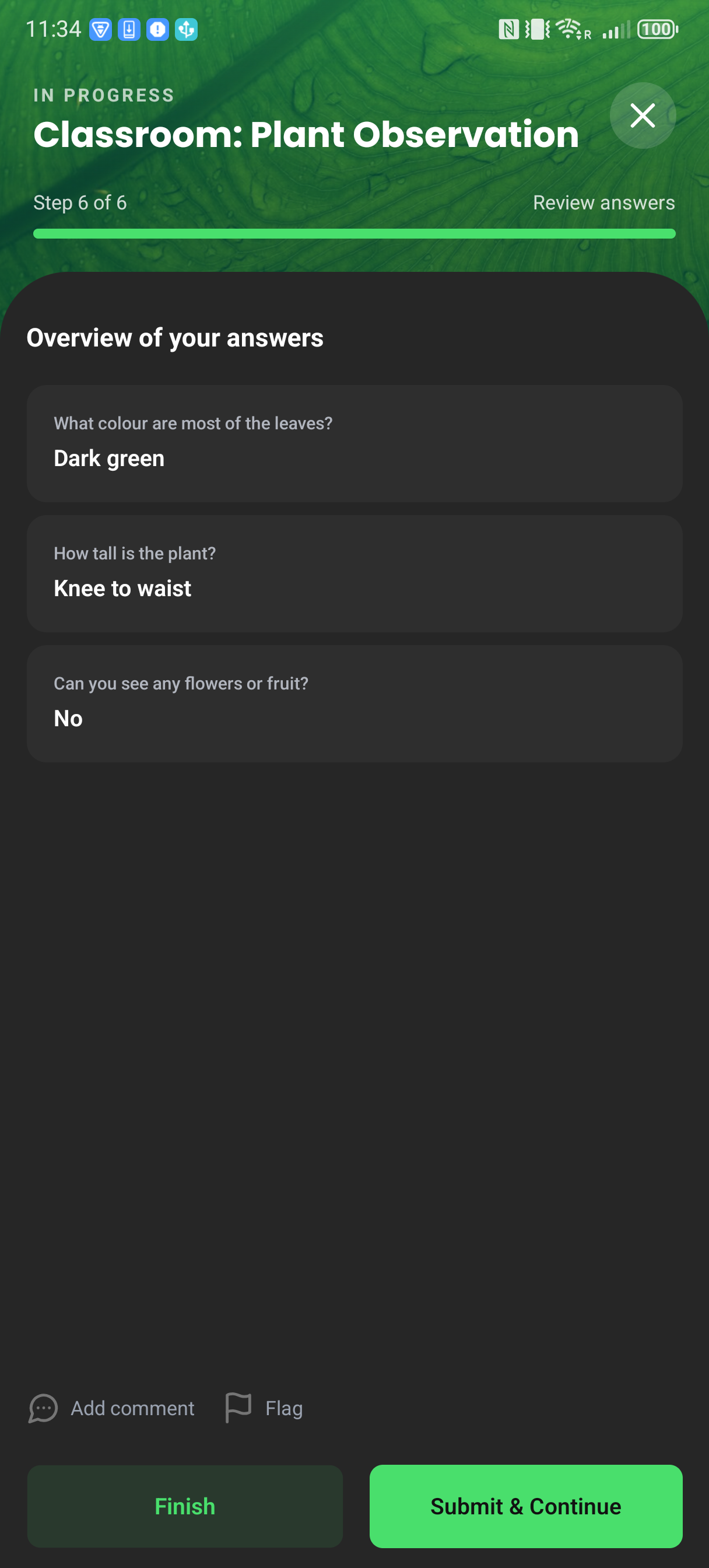
Workbook branches are evaluated on the device and may skip ahead or return to an earlier step. Question-only flows finish without a device reading.
Questions-only flow excerpt on production app 2.16.1. It intentionally does not represent a device protocol run or show final submission.
If something interrupts the flow
- Pause keeps the current answers and progress; Discard removes the attempt.
- If the device disconnects, reconnect it before retrying the measurement step.
- If upload is unavailable, the accepted reading remains local and can be synced later from Recent.
- For several wired devices, the result review is per device. See Multi-device measurements.
The app records a synchronized timestamp and timezone. If foreground location permission is already granted, it also makes a best-effort attempt to add latitude and longitude to each upload, including questions-only submissions. The permission prompt explains that measurement location is stored.
The app uses one location fix for a multi-device round: a last-known fix no more than 60 seconds old, or a fresh balanced-accuracy fix with a 10-second limit. It does not prompt during the measurement, and a missing permission, timeout, or location error never blocks saving or upload.