

Project transfers
Request migration of a PhotosynQ project into openJII.
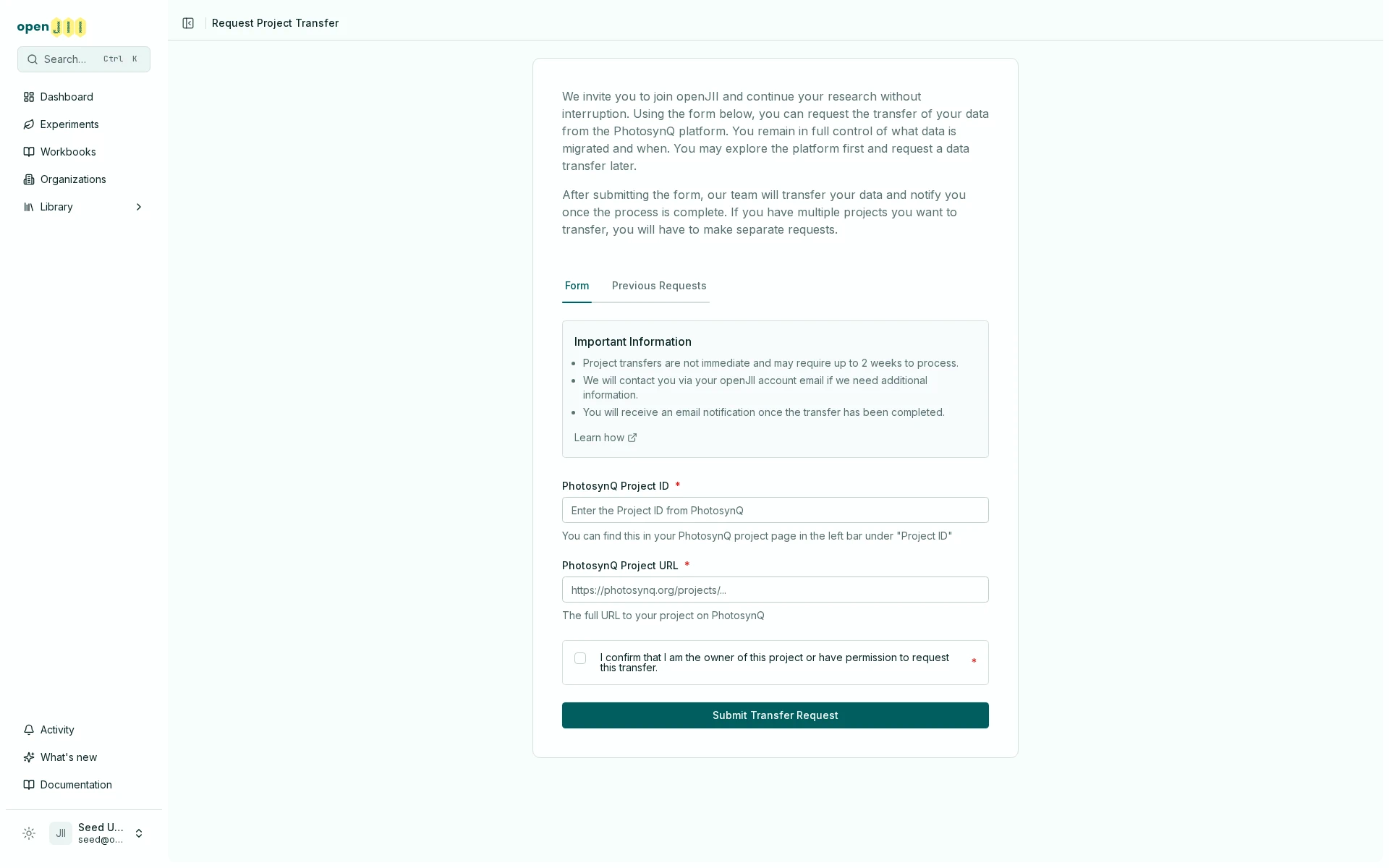
The Request Project Transfer workflow brings a project from PhotosynQ into openJII. It does not transfer ownership of an existing openJII experiment to another person.
Submit a request
- Sign in to the openJII web platform.
- Select Request transfer in the welcome notice on Home, or Request Project Transfer on the Experiments page.
- Enter the PhotosynQ Project ID.
- Enter the full PhotosynQ Project URL.
- Confirm that you own the project or have permission to request its transfer.
- Submit the request.
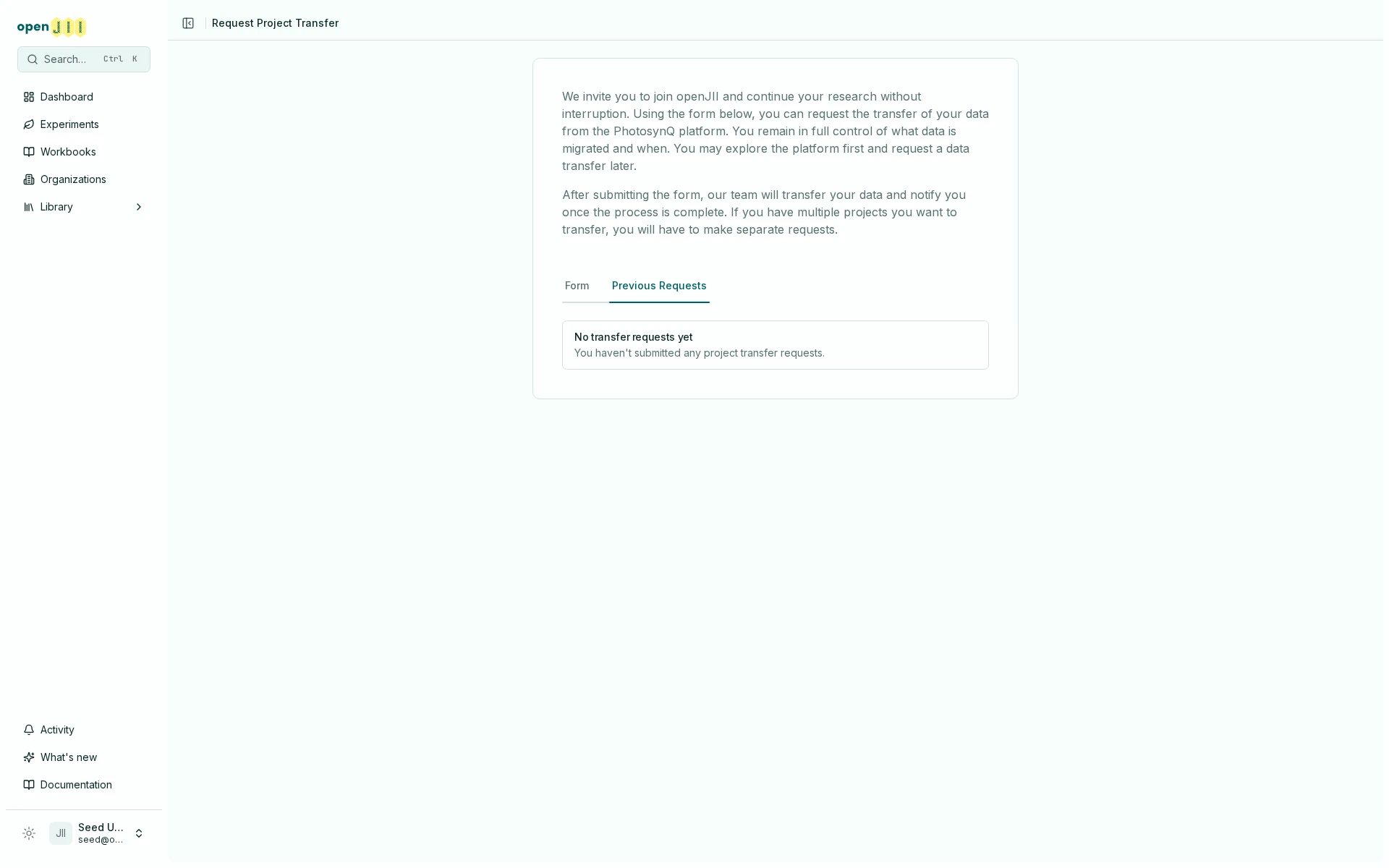
The form accepts one source project per request. If several projects must move, submit them separately. You can use the Previous Requests view to see your request history.
The interface states that transfers are handled by the team, may take up to two weeks, and produce an email when complete. Treat that duration as operational copy to confirm during the live pass, not a guaranteed service level.
Both the request you submit and the finished transfer also appear in the notification bell: the request links back to Previous Requests, and the completion links to the new experiment. The Project transfers switch under Account → Notifications governs whether either one also emails you; the bell entries are written regardless.
After completion
Review the migrated experiment rather than assuming perfect equivalence:
- compare row counts and source identifiers;
- check experiment description, collaborators, locations, and visibility;
- verify protocol, macro, workbook, and question mappings;
- inspect a sample of raw and processed values; legacy per-measurement latitude and longitude are preserved when present;
- record the source system and migration date in metadata.
If anything is missing or inconsistent, use Getting help / report an issue and include the transfer request plus source project identifiers, but no credentials.